










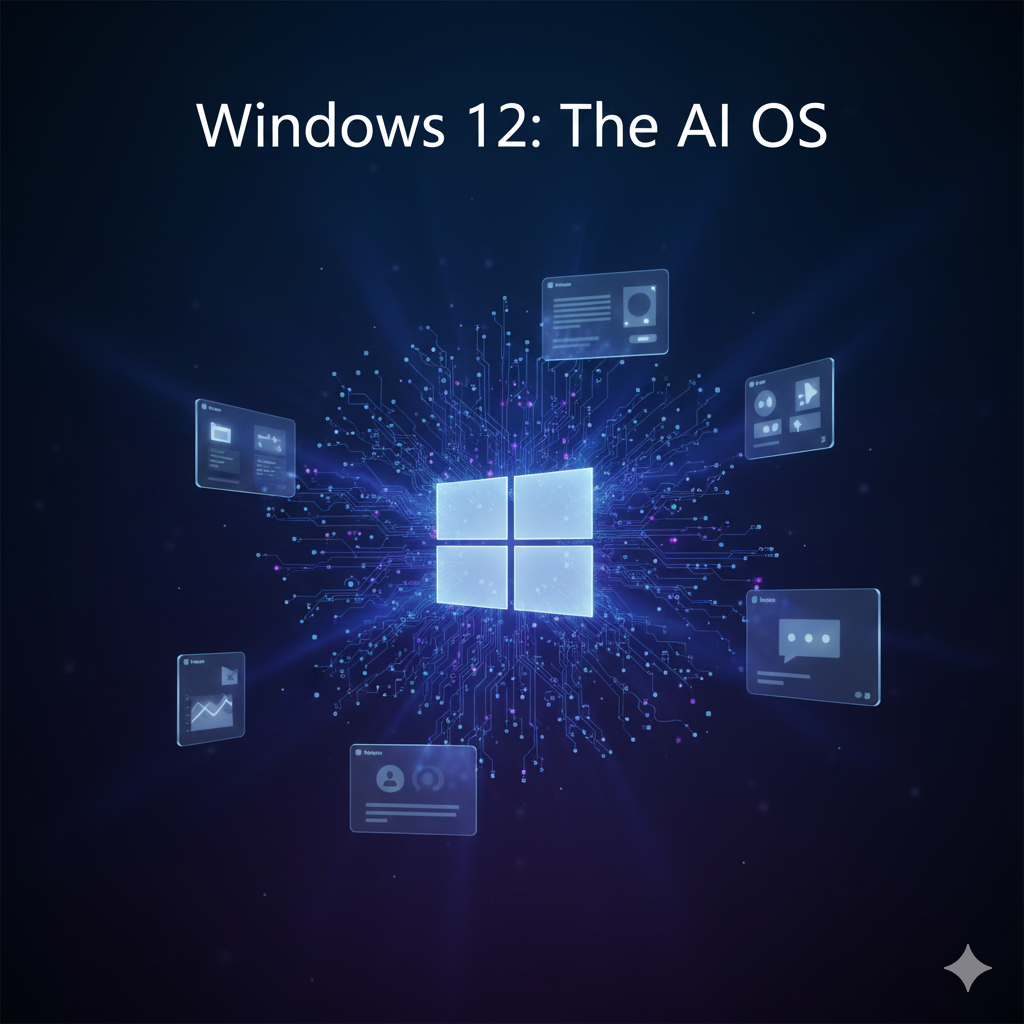
Microsoft is preparing to redefine personal computing with Windows 12. In this update, the Windows 12 AI features are at the core of the operating system, making your PC smarter than ever.
Unlike Windows 10 or Windows 11, where AI features felt limited or optional, Windows 12 is expected to deliver a deeply integrated AI experience. From smarter Copilot functionality to AI-powered file management and major updates to the Recall feature, Windows 12 could completely change how users in the United States work, study, and manage daily tasks on their PCs.
Below are the top 5 AI features in Windows 12 that are expected to redefine how you use your computer.
1. Copilot Deep Integration: The Heart of Windows 12 AI Features
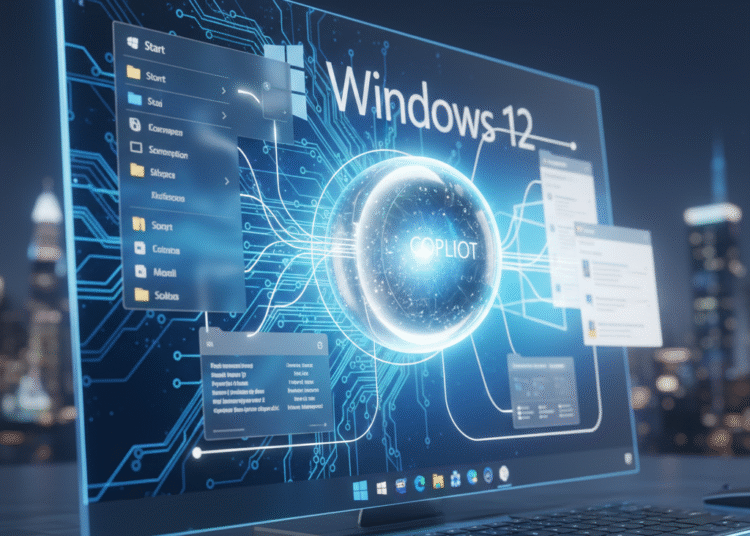
In Windows 11, Copilot works mainly as a sidebar assistant.
In Windows 12, Copilot is expected to become a core part of the operating system.
Copilot will be integrated directly into:
-
Start Menu
-
File Explorer
-
Settings
-
Microsoft apps like Word, Excel, and Outlook
Instead of switching between apps, users will simply ask questions in natural language, such as:
-
“Summarize this document”
-
“Create a budget formula in Excel”
-
“Optimize my PC for better performance”
This system-wide AI approach aligns closely with the broader trend of AI-powered productivity tools already shaping modern computing.
👉 Microsoft Copilot AI assistant overview
2. AI-Powered File Management in Windows 12
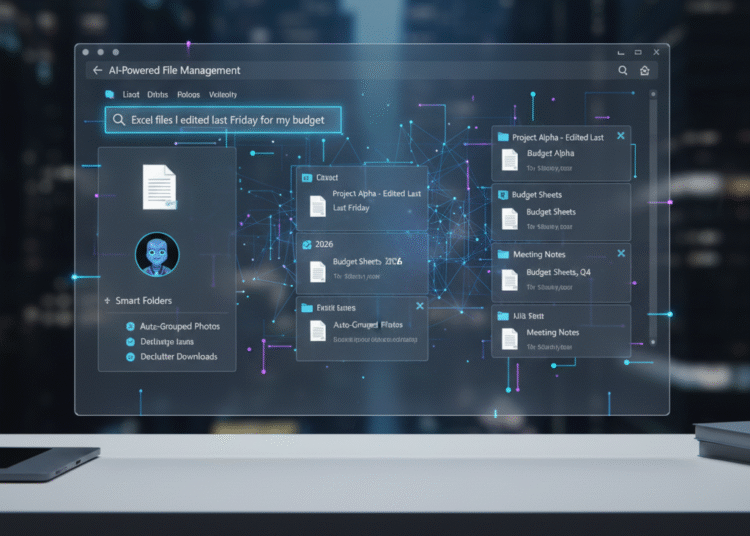
File organization has always been a challenge for Windows users. Windows 12 aims to fix this using AI-powered file management.
Instead of relying only on file names, Windows 12 will understand:
-
File content
-
Usage patterns
-
Context (work, school, personal)
Users will be able to search files using natural language, for example:
“The PDF I downloaded last week about taxes”
Windows will instantly locate the correct file — even if you forgot the file name.
This feature fits into the larger shift toward AI automation in everyday computing, helping users save time and stay organized.
Windows 11 vs Windows 12: AI Features Comparison
| Feature | Windows 11 | Windows 12 |
|---|---|---|
| Copilot Integration | Limited sidebar assistant | Deep OS-level AI integration |
| AI File Management | Manual folders & basic search | Smart AI search & auto categorization |
| Recall Feature | Not available | Advanced Recall with privacy controls |
| Performance Optimization | Fixed performance modes | AI-based real-time optimization |
| Personalization | Basic customization | AI-driven adaptive personalization |
| Overall AI Experience | App-level assistance | Full system-wide intelligence |
3. Recall Feature Updates: Your PC’s Searchable Memory
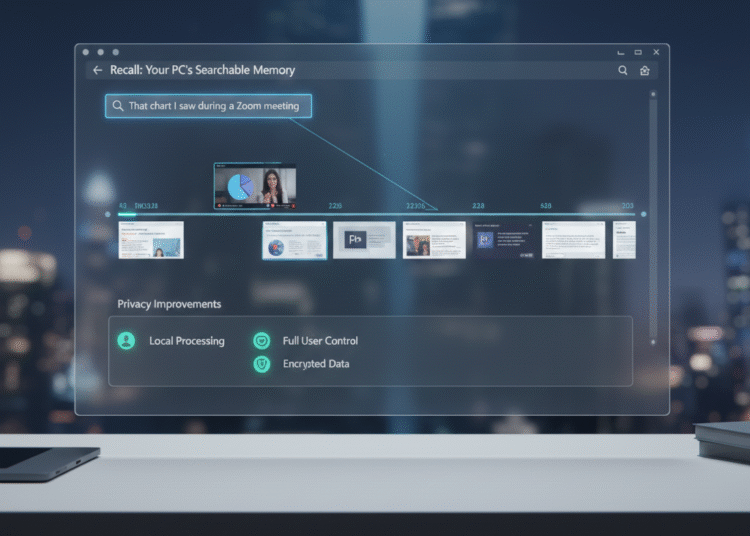
One of the most talked-about features in Windows 12 is Recall.
Recall works like a searchable memory timeline for your PC. It can remember:
-
Apps you used
-
Websites you visited
-
Documents you opened
-
Content viewed during meetings
If you forget where you saw something, you can search:
“That chart I saw during a Zoom meeting last week”
Windows will show it instantly.
Privacy Improvements
Microsoft is expected to improve Recall with:
-
Local on-device processing
-
Strong encryption
-
Full user control to pause or delete history
These changes are especially important for privacy-conscious users in the USA.
👉 Microsoft official update on Windows AI features
4. AI-Based Performance & Battery Optimization
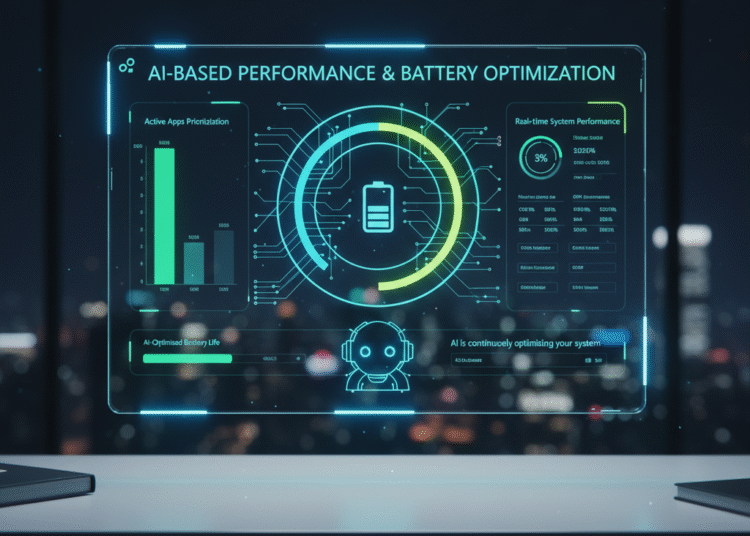
Windows 12 will use AI to analyze how you use your PC and automatically optimize performance.
AI will:
-
Prioritize active applications
-
Reduce background resource usage
-
Improve system responsiveness
-
Extend laptop battery life
For American users — especially students and remote workers — this means:
-
Longer battery life
-
Less overheating
-
Smoother multitasking
-
Better performance without manual tuning
This reflects Microsoft’s broader push toward AI-driven system optimization.
5. Smarter Personalization Using AI
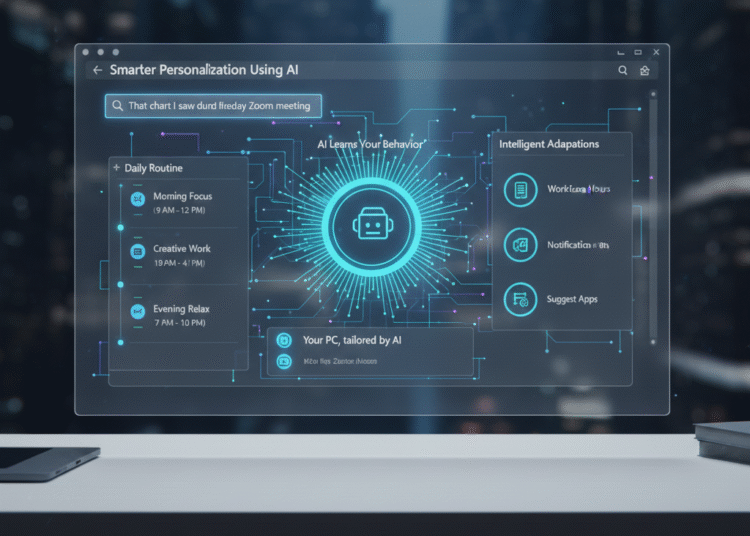
Windows 12 is expected to feel more personal and less distracting than any previous version.
AI will learn from:
-
Your working hours
-
App usage habits
-
Notification behavior
-
Daily routines
Based on this, Windows may:
-
Reduce notifications during meetings
-
Suggest relevant apps at the right time
-
Automatically adjust Focus modes
This creates a more intelligent and user-friendly experience — especially for people balancing work and personal life.
Windows 12 Release Date & System Requirements (What to Expect)
Search interest around Windows 12 AI features is often linked with questions about release timing and hardware compatibility.
Expected Windows 12 Release Date
Microsoft has not officially confirmed a date, but based on development cycles and industry reports, Windows 12 is expected to launch in late 2025.
Some AI features may appear earlier through:
-
Windows Insider Preview builds
-
Incremental AI updates to Windows 11
Expected Windows 12 System Requirements
Due to advanced AI features, Windows 12 may require more capable hardware.
Expected requirements include:
-
64-bit processor with AI/NPU support
-
Minimum 8GB RAM (16GB recommended)
-
SSD storage
-
TPM 2.0 enabled
-
Modern Intel, AMD, or Qualcomm processors
Most PCs that already support Windows 11 are expected to be compatible.
👉 Official Windows platform information from Microsoft
Final Verdict: Is Windows 12 Worth the Upgrade?
Windows 12 clearly shows Microsoft’s shift toward an AI-first future.
If Microsoft delivers:
-
Deep Copilot integration
-
Secure and useful Recall
-
AI-powered file management
-
Smarter performance optimization
Then Windows 12 could become the most significant Windows upgrade in over a decade.
This isn’t just another update —
👉 it’s a smarter way to use your PC.
📌 FAQs – Windows 12 AI Features
Q1: When is Windows 12 expected to be released?
Microsoft has not officially announced a release date for Windows 12. However, based on industry reports and Microsoft’s development cycle, Windows 12 is expected to launch in late 2025. Some AI features may arrive earlier through Insider builds or Windows 11 updates.
Q2: What are the biggest AI features in Windows 12?
The biggest AI features in Windows 12 include deep Microsoft Copilot integration, AI-powered file management, Recall feature updates, AI-based performance and battery optimization, and smarter system personalization.
Q3: Will Windows 12 require new hardware?
Windows 12 may require more advanced hardware due to AI-focused features. Expected requirements include AI/NPU-enabled processors, TPM 2.0, and higher RAM. Most PCs that support Windows 11 are likely to support Windows 12 as well.
Q4: Is the Recall feature in Windows 12 safe and private?
Yes, Microsoft has stated that the Recall feature will process data locally on the device, use encryption, and give users full control to pause, delete, or disable activity history to protect privacy.
Q5: Will Windows 12 be free for Windows 11 users?
Microsoft has not officially confirmed pricing yet, but based on previous Windows upgrades, Windows 12 is expected to be offered as a free upgrade for eligible Windows 11 users.